Python Debug Assistant Prompt
Paste any Python error and get the cause, the fix, and how to prevent it — not just patched code.
What this prompt does
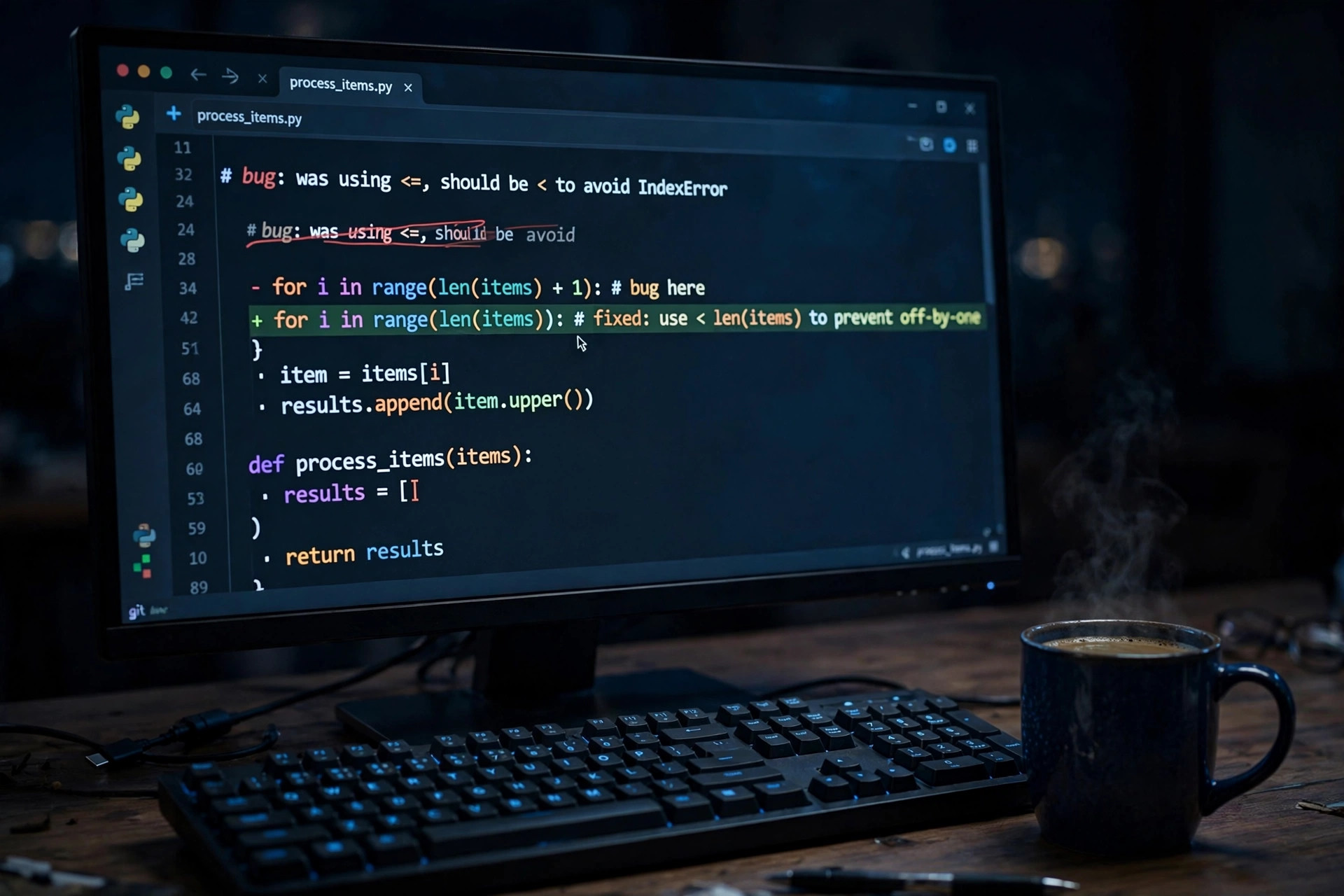
Beginners do not just need fixed code — they need to understand why it broke, or the same error returns next week. This prompt turns the chatbot into a senior Python mentor with a strict four-part format: root cause in plain language, fixed code with changes marked, one prevention habit, and one similar practice bug to solve yourself. That last step is the learning engine — it converts a debugging session into a lesson. Students paste their traceback and code; the 'what Python actually tried to do' explanation builds the mental model that tutorials skip. It works for every level: freshers fix their first TypeErrors, working developers use it to sanity-check tricky tracebacks faster than Stack Overflow threads.
Tips to get the best result
- Always paste the FULL traceback, not just the last line — the cause is usually three frames up.
- The practice bug in step 4 is the most valuable part; actually solve it before moving on.
- Ask 'explain like I am 15' as a follow-up if the root cause still feels abstract.
- Keep a personal error diary: error, cause, fix — you will stop repeating the same five mistakes.
How to use it (3 steps)
- Copy your code and the complete error traceback.
- Paste both into the prompt in ChatGPT or Claude.
- Apply the fix, note the prevention habit, and solve the practice bug.
Frequently asked questions
Does this work for other languages?
Yes — replace 'Python' with JavaScript, Java or C++; the four-part mentor format works for any language.
Why not just ask for the fixed code?
Fixed code without understanding means the same bug returns. The explanation + practice bug is what makes it stick.
What should I paste?
Your code plus the FULL traceback — the error's cause is usually several frames above the last line.
Updated on 27 September 2026 · Free to use