Veo 3 Talking-Food Video Prompt (Hindi Dialogue)
Talking foods and objects speaking Hindi to camera — the zero-filming viral format for Reels and Shorts.
What this prompt does
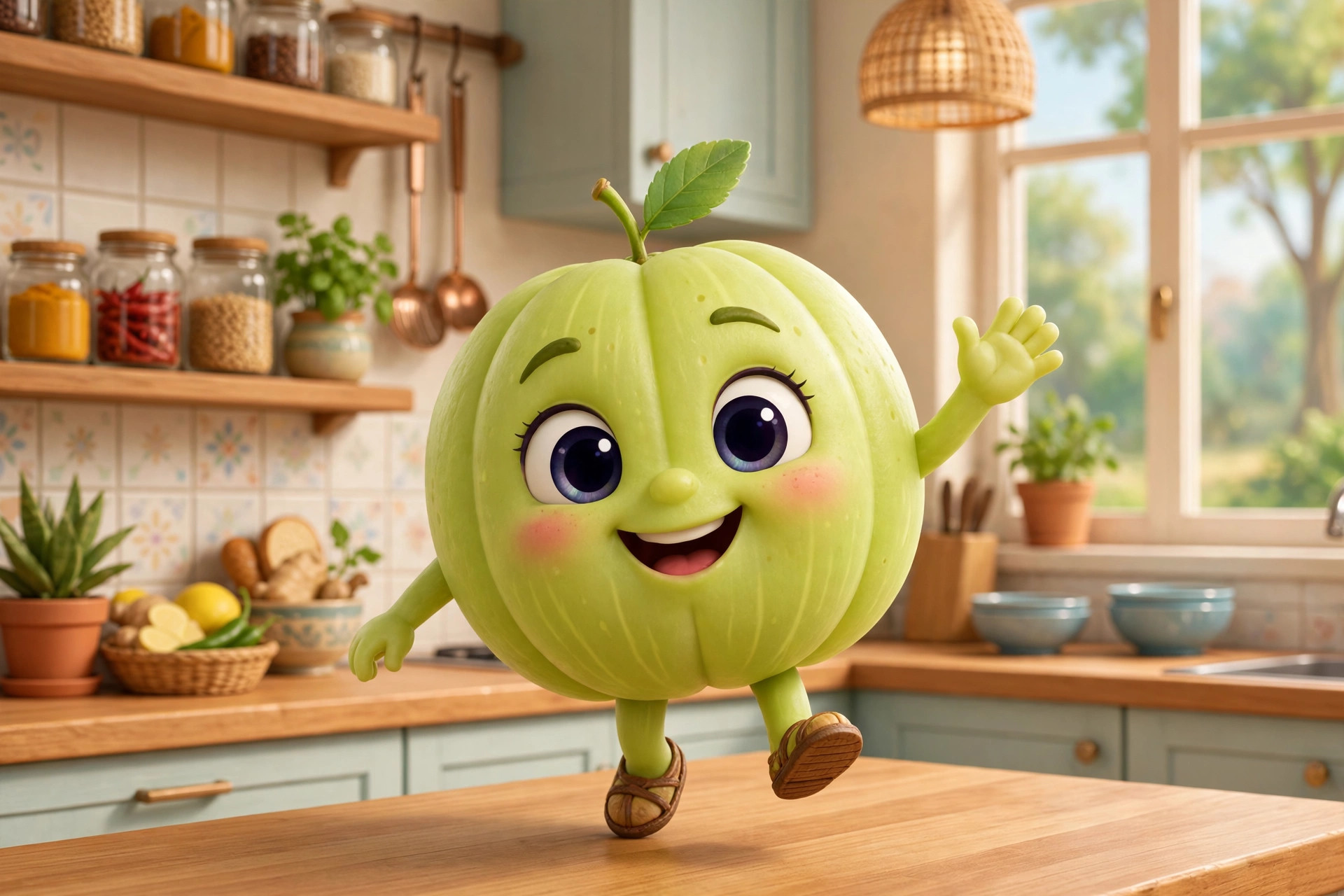
This is the template behind the talking-food/talking-object video wave described as 'bahut viral' on YouTube Shorts, Instagram Reels and TikTok in September 2026. The format: an anthropomorphised object — an amla (gooseberry) is the famous example — speaks directly to camera in Hindi, written in Devanagari, in tight 8-second loops. A meta-prompt generates a strict Veo 3 prompt with locked rules: exactly 8 seconds, one continuous scene, static camera, 3D cartoon style, then a timed dialogue script (0-3s self-introduction with a harm claim, 3-5s solution, 5-8s silent solution shot). It went viral because it is zero-filming content with a repeatable educational-or-funny engine: health tips, kitchen hacks, moral lessons — all delivered by a talking fruit in Hindi, which travels far with Indian audiences.
Tips to get the best result
- Fill {OBJECT} and {HARM} before generating — e.g. OBJECT: 'आंवला', HARM: 'बालों का झड़ना'.
- Keep the Hindi lines short; Veo 3 lip-syncs best with simple sentences.
- Batch-produce: one object per video, post daily — the format rewards volume.
- Add trending audio underneath at low volume in editing for extra algorithm push.
How to use it (3 steps)
- Copy the template and fill in your object and its 'harm' claim.
- Paste the completed prompt into Google Veo 3 (also inside YouTube Shorts' creation flow).
- Download the 8s clip, add captions, and post as a Reel/Short.
Frequently asked questions
What is Veo 3?
Google's text-to-video AI model. It generates short video clips from text prompts and is available standalone and inside YouTube Shorts' creation flow.
Why Hindi in Devanagari?
Veo 3 renders and lip-syncs Devanagari dialogue accurately, and Hindi voiceover content travels much further with Indian audiences than English.
How long are these videos?
Exactly 8 seconds — the template locks duration, which keeps the format snappy and loopable.
Updated on 27 September 2026 · Free to use